

Why image quality varies so much between users
If you have spent any time on forums or community threads about Joi AI, you will have noticed the range of image quality people report. Some users share crisp, well-composed results; others post images that look muddled or off-character. The gap rarely comes down to luck. It comes down to preparation and prompt discipline, two things the platform gives you real control over.

Image generation on Joi AI costs 10 tokens per image. Token packs start at $4.99 for 100 tokens, which means each image costs roughly five pence at the entry-level rate. That is not a ruinous sum, but it adds up quickly if you are iterating blindly. Understanding what drives quality before you start spending tokens is genuinely worth the effort.
Start with physical trait setup, not prompts
Most guides jump straight to prompt writing. That is the wrong starting point. The data indicates that physical traits you set during companion creation, including age, ethnicity, hair style, and body type, act as a persistent visual baseline for every image the platform generates. If your baseline is vague or contradictory, no amount of prompt refinement will fully compensate.
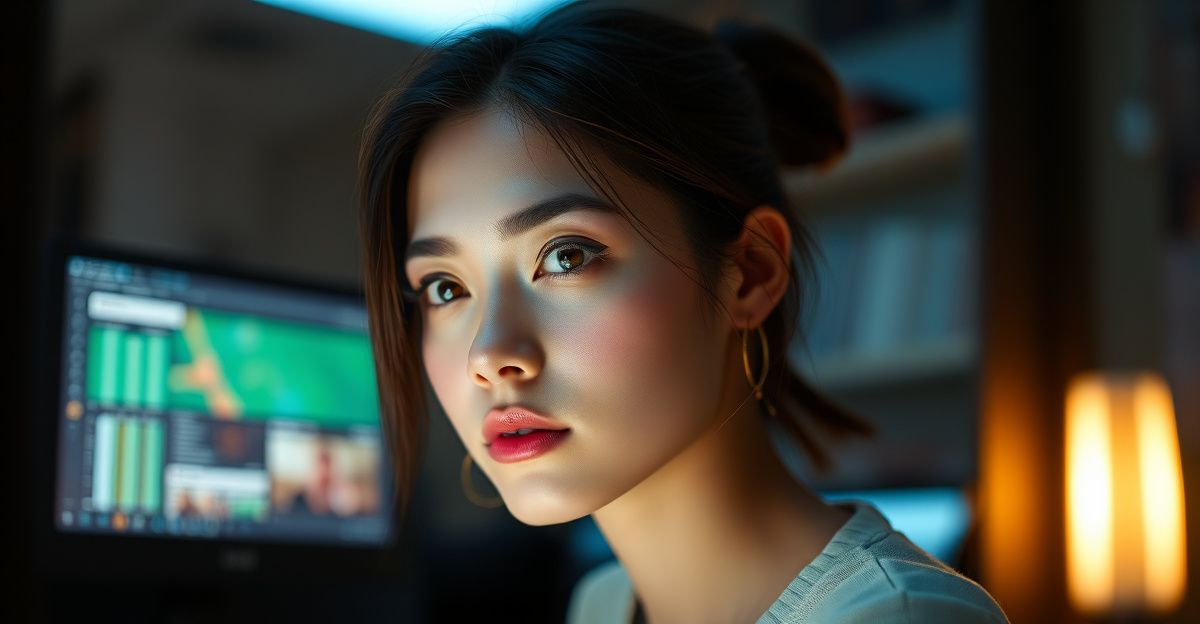
When setting up or editing your companion's profile, treat each trait field as a constraint on the generation model. Be specific and consistent. If you select a particular hair colour and then describe a different one in your image prompt, the model receives conflicting signals and typically produces a blended or incoherent result. Pick your traits with the final visual in mind and keep them stable across sessions. You can always revisit the Joi AI features page to understand which profile fields directly influence image output.
How to write prompts that produce consistent results
Once your baseline is solid, prompt structure determines most of the remaining variance. Evidence suggests that prompts work best when they follow a loose hierarchy: subject, setting, lighting, mood, and any style notes. Packing all of this into one sentence rarely works. Instead, write shorter, layered descriptions that build the scene incrementally.
Consider the difference between "take a photo of her outside" and "outdoor setting, late afternoon light, soft shadows, relaxed expression, casual clothing, slightly overcast sky." The second version gives the model five distinct parameters to anchor against. In practice, each additional specific detail reduces the model's interpretive freedom, which is exactly what you want when you are aiming for repeatability.
Avoid abstract emotional language as your primary descriptor. Words like "romantic" or "mysterious" read differently to a generation model than they do to a human reader. They produce inconsistent results because they are semantically broad. Replace them with concrete visual equivalents: "warm candlelight, close framing, relaxed posture" conveys a similar atmosphere with far more precision.
Lighting and setting as the most underused levers
Among the variables available in prompts, lighting and setting are the two most consistently underused. Most users describe what the companion looks like and stop there. Adding lighting conditions, golden hour, overcast diffusion, indoor lamp, studio-style frontal light, shifts the tonal quality of the entire image. Setting context, a park bench, a kitchen, a neutral background, gives the model spatial anchoring that improves compositional coherence.
It is worth noting that background complexity affects generation time and consistency. Detailed or crowded backgrounds introduce more variables and occasionally produce artefacts. If consistency matters more than scene richness, a simple or neutral background keeps the focus on the companion and reduces the chance of odd compositional errors.
Iterating without wasting tokens
In September 2023, at a small digital wellness meetup in Manchester, researchers presented early survey data on AI companion usage among adults aged 25 to 40 in the UK. One finding that stayed with me was how practically-minded the usage patterns were. Many people in that room described treating AI companion platforms as low-stakes environments for working through something, refining an approach, testing a framing before committing to it in a higher-stakes context. The same logic applies cleanly to image generation. Before spending tokens on a full generation run, draft your prompt in a notes app and read it back critically. Ask whether every word is doing visual work. If a word could mean two different things visually, replace it with something unambiguous.
When you do generate and the result misses the mark, resist the urge to rewrite the entire prompt. Change one variable at a time. If the lighting is wrong, adjust only the lighting descriptor and regenerate. This way you isolate which element caused the problem, and over a handful of attempts you build a reliable template for the kinds of scenes you want. Keeping a short log of what worked is more useful than it sounds, especially if you use the platform across multiple sessions. You can also check the Joi AI tokens guide to manage your balance more efficiently.
Content filtering and what it means for your prompts
Joi AI runs both pre-generation prompt scanning and post-generation review. The platform uses keyword and semantic analysis to catch prompts that fall outside its content policy before the model even runs. This matters practically because a flagged prompt costs you nothing in tokens, but it can interrupt your workflow if you repeatedly hit the filter without understanding why.
The prohibited content list covers illegal activities, hate speech, harassment, non-consensual themes, and real-person impersonation. None of these are ambiguous categories. Where users most commonly run into false positives is with language that sounds thematic but trips semantic classifiers, words associated with violence or coercion used in a fictional framing, for example. The appeal system exists for genuine errors, and reports are reviewed within 24 hours according to platform policy. The Joi AI content filtering page covers the specifics of what is and is not permitted in more detail.
Subscription tier and image generation access
Free-tier users can generate images, but access is limited compared to premium subscribers. The Premium tier, priced at $9.99 per month in the vertical's standard structure, unlocks higher generation limits and faster processing. The VIP tier at $29.99 per month adds priority support and access to advanced AI features, which can include higher-resolution outputs depending on the platform's current capability set.
If image generation is your primary reason for using the platform, the cost-per-image calculation changes significantly between tiers. At the free tier with limited daily tokens, each image represents a larger proportion of your available allowance. On a paid subscription with regular token replenishment, the per-image cost drops to a more manageable level. The Joi AI subscription breakdown explains what each tier includes in practical terms. The reality is that for users who generate images frequently, the Premium tier pays for itself relatively quickly compared to buying token packs individually.
Comments
No comments yet.
Leave a comment
Your email will not be shown. Comments are reviewed before they appear.