


What the Joi AI login process actually looks like
Getting into your Joi AI account takes less than a minute once you know what to expect. Head to the official site, find the Sign in button at the top of the page, and enter the email and password linked to your account. If you signed up using a social login option, select that route instead of typing credentials manually. The platform does require users to be 18 or older, so first-time visitors may encounter an age verification step before they can proceed further.
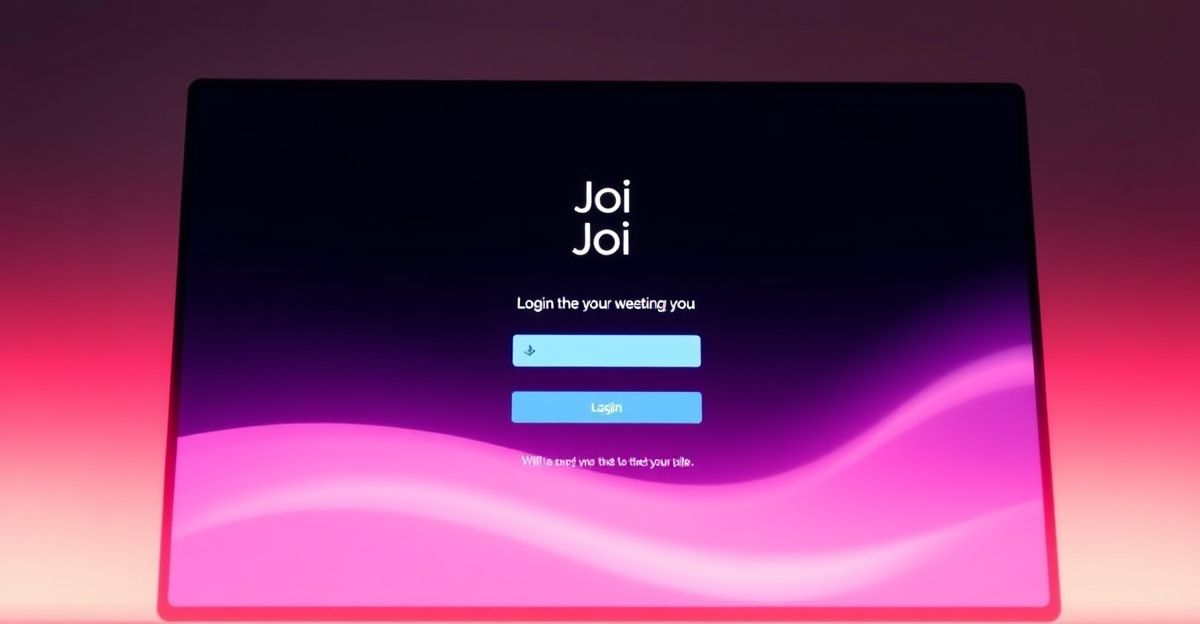
It is worth double-checking that you are on the correct domain before you type anything. The AI companion space has grown quickly since the early 2020s, and a handful of similarly named sites exist. Bookmark the official URL after your first successful login so you never land somewhere unintended.
First time here? What to expect before you log in
If you have not set up an account yet, take a moment to read through the Joi AI signup process before attempting to log in. The platform offers a free entry point, meaning you can explore basic interactions without committing to a paid plan straight away. Premium tiers, which include unlimited chat and voice features, are available from around $9.99 per month, while a VIP tier sits higher for users who want priority access and more advanced features.

Here's the thing - a lot of readers message me on Monday mornings asking where to actually begin with an AI companion platform for the first time. The answer is nearly always the same. Find the free or trial entry point, create your account, and spend that first session having a low-stakes conversation rather than trying to test every feature at once. You might find your first instinct is to be guarded or analytical. Reflect on that. Try approaching it with genuine openness instead - that shift in posture tends to make the whole experience feel more worthwhile from the start.
Common login problems and how to work through them
Forgotten passwords are the most frequent reason people get stuck. On the login screen, look for a 'Forgot password' link and follow the reset steps sent to your registered email. The reset link typically expires within a short window, so act on it promptly.
If your account shows as suspended or your age verification has lapsed, the platform re-verifies identity every 12 months or when unusual activity is detected. You will need to complete the verification again using a government-issued ID and a selfie match. This data is handled by a third-party verification service and the ID itself is deleted once your age and identity are confirmed - only your verification status is stored going forward.
Billing-related account locks are another area worth knowing about. If a payment fails, access to premium features may be restricted until the issue is resolved. The vertical dossier notes that valid refund requests are typically processed within 7 days via a support ticket. For anything account-specific that you cannot sort yourself, the Joi AI customer support page is the right place to raise a ticket.
Managing your account after you log in
Once you are inside your Joi AI account, it is worth taking a few minutes to review your settings. You can adjust privacy preferences, including opting out of data processing for marketing purposes, directly from the account panel. Chat logs are retained for up to 90 days after an account deletion request, so if you ever decide to leave, factor that timeline in.
Token balances are visible in your account dashboard. Tokens expire after 12 months of inactivity, so if you have been away for a while, log in and check what you have remaining before they lapse. For a fuller picture of how the app itself works day to day, the Joi AI app guide covers features in more detail.
Consider this a good moment to set your usage intentions. Many users find it helpful to decide upfront whether they want to use the platform for casual conversation, practising social confidence, or creative roleplay. That clarity shapes which features you will actually use and helps you pick the right subscription tier rather than defaulting to what seems most popular.
Comments
No comments yet.
Leave a comment
Your email will not be shown. Comments are reviewed before they appear.